
Guides for your coaching business.
Onboard your first client, choose your tools and plan your next step. Practical reading, setup guides and free calculators, all in one place.

Choose coaching software around the week you actually run.
A practical 2026 buying brief: test the client journey, the daily review and the records you need to keep.
Read the guide
The first week should feel easy to begin.
A seven-day onboarding checklist that gives your client one useful next step at a time.
Read article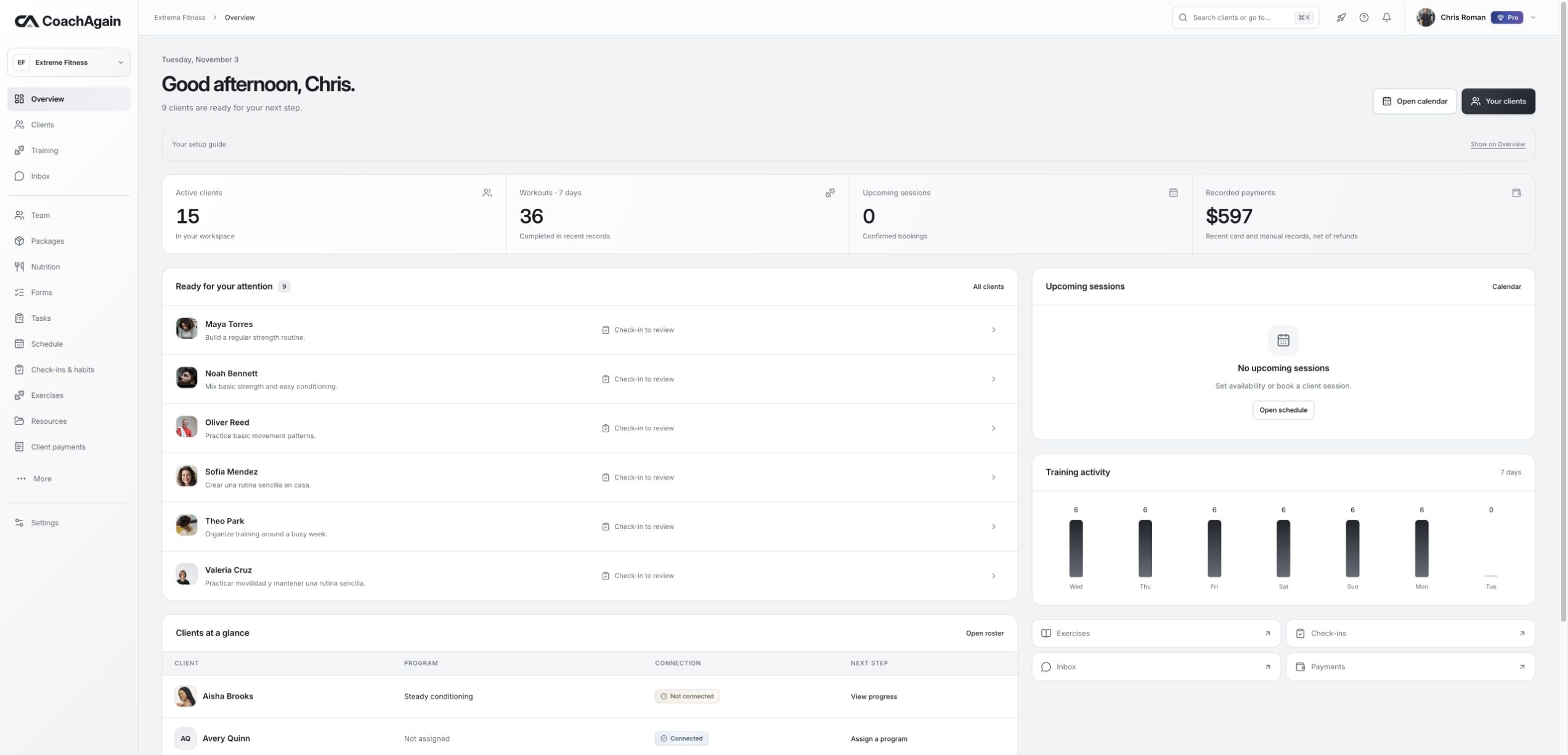
Manual or card payments? Make the record clear either way.
Separate a payment request from money received, understand platform and processing fees, and keep a useful history.
Read articleSet up your workspace.
Short, practical steps for getting your workspace ready and your clients moving.
Invite your first client+
Create the relationship, then let the client accept using their own account.
- Open Clients and add a name and email.
- Review the invitation before sending it.
- Assign a saved program once the relationship is ready.
Deliver a training week+
Build a reusable plan and assign a saved version without rewriting the client’s past.
- Create a program and organize its sessions.
- Add exercises and the sets the client should follow.
- Save the version, assign it and review the client’s logs.
Create a useful check-in+
Ask a few clear questions, then review the response beside the client’s recent work.
- Create or choose a check-in form and its frequency.
- Let the client respond from their own portal.
- Review the response and send a specific next step.
Offer a video session+
Clients choose real available slots. The video stays with your chosen provider.
- Save a session type with a Meet, Zoom or Teams HTTPS link.
- Set weekly availability in the correct time zone.
- The client books a slot; reschedule or cancel from Schedule.
Keep payment records clear+
Use separate manual and card requests so an acknowledgement never looks like bank verification.
- Choose a client, amount and clear payment description.
- Use a manual method or review a Stripe card fee quote.
- Acknowledge manual receipt only after checking the actual payment.
Set up your workspace+
The person who creates the workspace is its Owner. Client access stays tied to each relationship.
- Review the business name, time zone and weight units.
- Check language, appearance and email preferences.
- Use the available export controls to keep a copy of your records.
Plan the business behind your coaching.
Estimate your time and income, then compare the tools you need for the next stage of your business.
Bring your clients into CoachAgain.
Invite your first client, build their plan and keep their progress in view. Try the available Pro coaching tools free for 14 days.
No card. No automatic charge. Free Starter afterward.